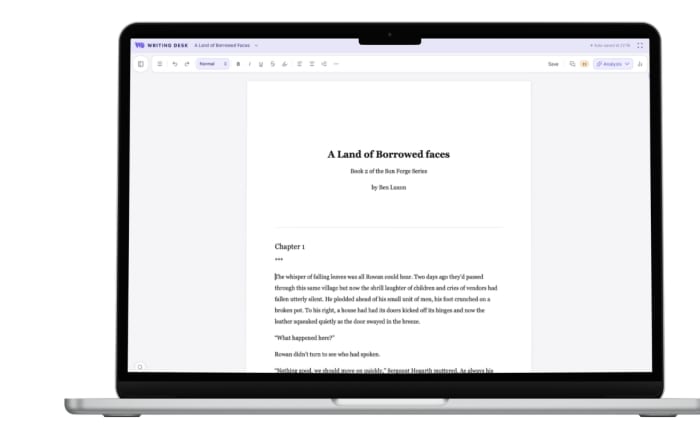
Writing Desk side by side
Honest comparisons with the writing apps novelists ask about most: what each does well, where Writing Desk differs, and which one suits the way you write.
macOS 13 Ventura or later · No account required
Atticus
Write, revise and typeset in one Mac workflow.
Read the comparison
Dabble
A Plot Grid or the Story Plotter, from first draft to finished book.
Read the comparison
iA Writer
Plain Markdown files, plus a full toolkit when a piece becomes a book.
Read the comparison
Novelcrafter
A web-based studio, or a local app for Mac, iPhone and iPad.
Read the comparison
Obsidian
A vault for notes, or a ready-made desk for a manuscript.
Read the comparison
ProWritingAid
A checker across apps, or editing built into the place you write.
Read the comparison
Reedsy Studio
Two free ways to start a book.
Read the comparison
Scrivener
A deep project binder, or an app for Mac, iPhone and iPad that opens your .docx and carries on.
Read the comparison
Sudowrite
AI that drafts your prose, or a writing tool that helps you polish.
Read the comparison
Ulysses
Markdown documents and novel tools in one app for Mac, iPhone and iPad.
Read the comparisonChoosing writing software? See our guide to the best writing apps.
See how it feels with your own pages.
Plan, draft, revise and typeset in one private, local app for Mac, with a mobile app for iPhone and iPad. Open a .docx or .md and carry on writing.
macOS 13 Ventura or later · No account required