Get Writing Desk
on your Mac.
Free to start. Plot, draft, edit, and format your manuscript, all in one private app. Download the app to get started for free.
macOS 13 Ventura or later · No account required to start
Your Writing Desk options ↓Also on iPhone and iPad
Writing Desk
in your pocket.
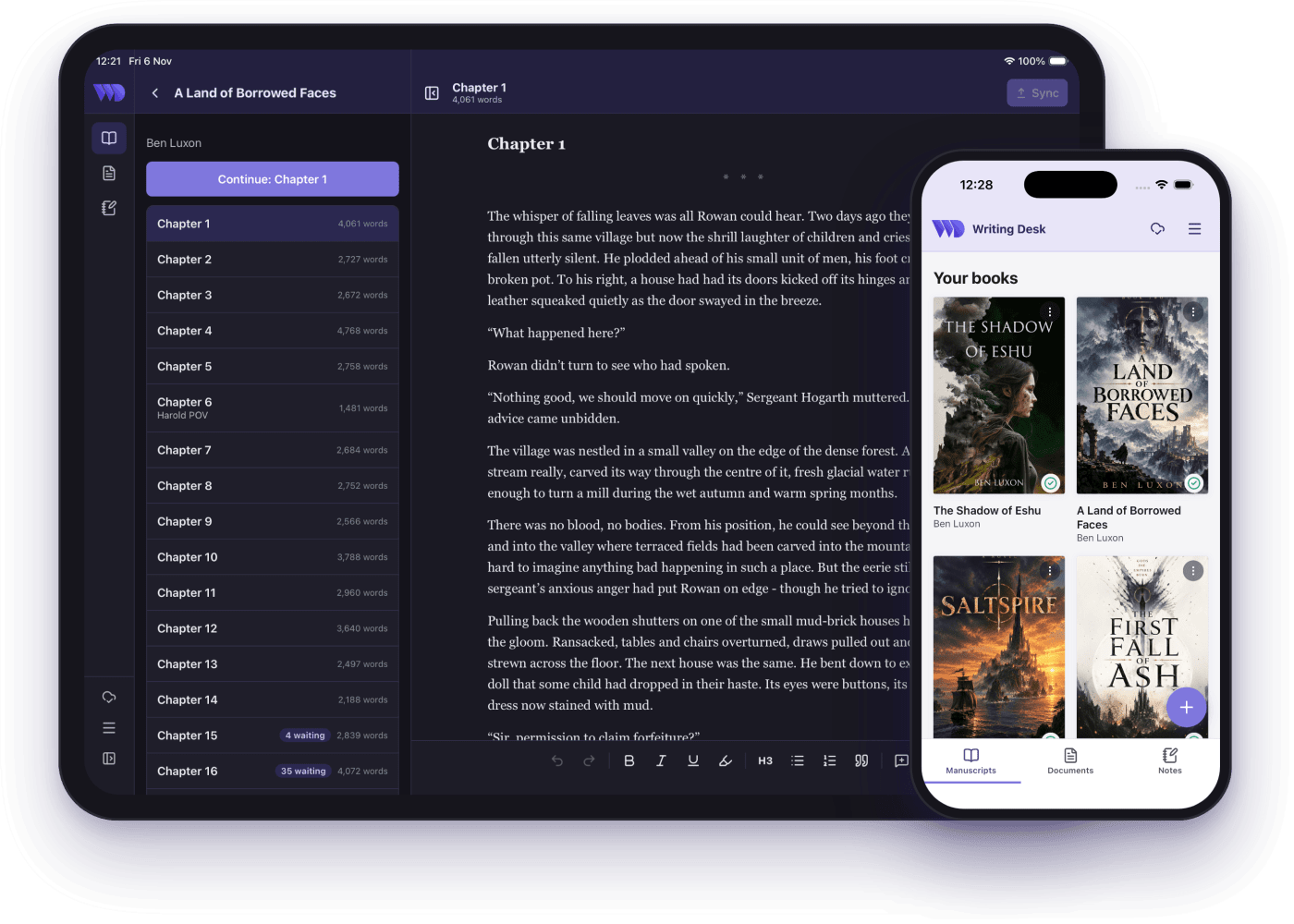
Read your manuscript, capture notes and edit your documents wherever you are. Everything syncs with Writing Desk on your Mac.
Same account as the Mac app · Works offline
Writing on a Mac too? Get the desktop app ↓Writing Desk
Formatter.
Writing Desk runs on Mac, iPhone and iPad. Formatter works in any browser, for reading your manuscript, leaving comments and typesetting it for print.
Free to start · Nothing to install · Android app on its way
Have a Mac, iPhone or iPad? See the apps ↓Write on your Mac, carry it on your phone, format in the browser.
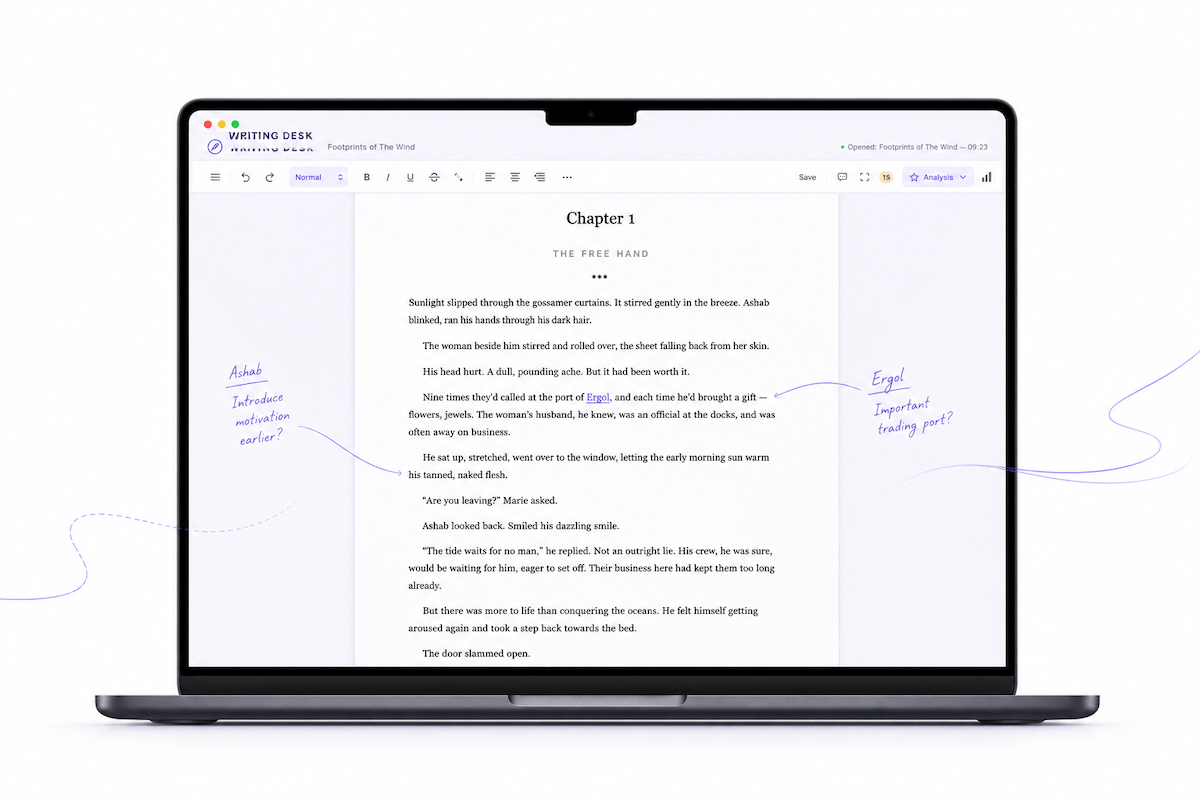
The Mac app is where you plot and draft your novel. The iPhone and iPad app keeps your books, documents and notes with you, and sends your edits back for you to review. Formatter is where you typeset and export, and it runs in any browser.
Where your novel lives.
Writing Desk is the full writing environment in one place. Plot your story with the Story Plotter, draft distraction-free in the editor, keep research and character notes alongside your manuscript, and track your progress as you go.
- Plot — structure templates and a visual Story Plotter
- Write — distraction-free editor, Pad, and Resource Hub
- Edit — Proofreader, Prose Analysis, and AI Editor
- Track — writing streaks and milestones
macOS 13 Ventura or later
Your manuscript, wherever you are.
The iPhone and iPad app picks up the books and documents you choose to sync from your Mac. Read them on the train, jot down ideas as notes, and make edits that come back to your Mac for you to review.
- Read: your synced books and documents, online or off
- Capture: notes that appear on your Mac as well
- Edit: changes on your phone return to your Mac as suggestions you accept or reject
- Sync: switch it on per book with the cloud icon beside the file name in Writing Desk
iPhone and iPad · Same account as the Mac app · Android app on its way
Typeset for print and publish.
Send your manuscript to Formatter from the Mac app, choose a design, and get a print-ready PDF and EPUB, ready for KDP, IngramSpark, or agent submission. It works in any browser, so you can also read, comment and make light edits from a computer without the Mac app.
- Read & edit — your manuscript in the browser, with light edits when you need them
- Review — comments and suggestions that sync back to the desktop app
- Format — agent-ready and self-publishing exports
Works in any modern browser · No download required