See the Writing Desk App
in action.
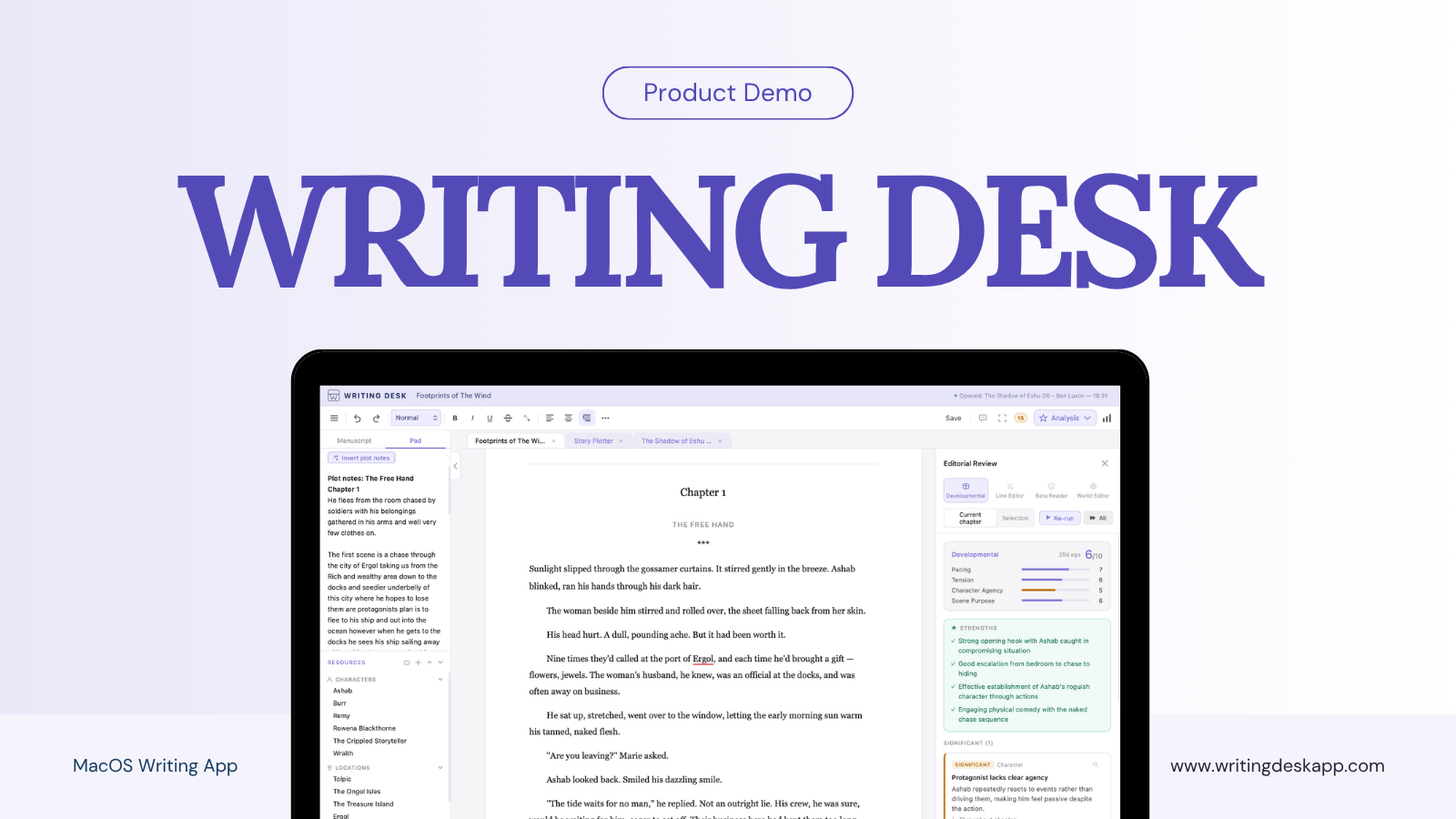
Watch the Writing Desk demo to see how it can help you manage your writing project from start to finish.
 6:10
6:10
See the whole writing app workflow.
Setting up your project
Set up your writing project in moments, not hours, and keep your documents organised and accessible so you can focus on writing, not admin.
Explore all features →Navigating the interface
The Writing Desk app has four core elements. Firstly, your manuscript, which is front and centre always. Secondly, the left-hand sidebar, where you'll find your manuscript navigation, the Pad for all your chapter notes, and the Resource Hub for linked resource sheets and reference files. The right-hand sidebar is where the core analysis tools live. And finally, there's the Story Plotter.
See the writing environment →Story Plotter tools
Writing Desk's Story Plotter lets you structure your novel chapter by chapter, scene by scene, in as much or as little detail as you like. Use Board View to quickly rearrange chapters and scenes as you see fit, and Timeline View to track narrative threads and arcs.
Explore the Story Plotter →Analysis features
The analysis tools are split into three. First, your spelling, grammar, and style tabs, designed to help you polish your prose as you go. Then Prose Analysis, for sentence structure, passive voice, and telling versus showing. And the AI editorial tools, which analyse your chapter across four different lenses, surfacing strengths, weaknesses, and areas to improve.
See the editorial tools →Exporting your manuscript
Export straight to .docx, .md, .txt, or .pdf, or build a pre-formatted submission package for agents from your first chapters or first 10,000 words.
For self-publishing, the Typeset and Print flow hands your manuscript to the Formatter companion app, where you can design and typeset your manuscript as an EPUB or PDF ready for print.
See formatting tools →Common questions
-
Writing Desk is free to download, and everyone gets a free 30-day trial of Premium features on signup. Premium plans start at £10 a month, or you can continue using the writing environment completely free.
-
Writing Desk is a native Mac app and your manuscript lives on your machine. The only exception is when you use the Formatter web app, where your manuscript is uploaded at that point but can easily be removed from the Formatter via its settings.
-
All AI calls are transient. Nothing is stored on a server, and your writing is never used to train any model.
-
Directly from the app, you can export .docx, .md, .txt, .pdf, and an agent-ready submission format. For self-publishing, the Formatter companion app produces a typeset, print-ready EPUB and PDF.