A novel writing app for iPhone and iPad.
With Writing Desk your manuscript travels with you. Read, edit, and keep writing. Plus, capture ideas as notes and work offline.
Free to download. The free plan and the 30-day trial sync 1 book and 30 documents.
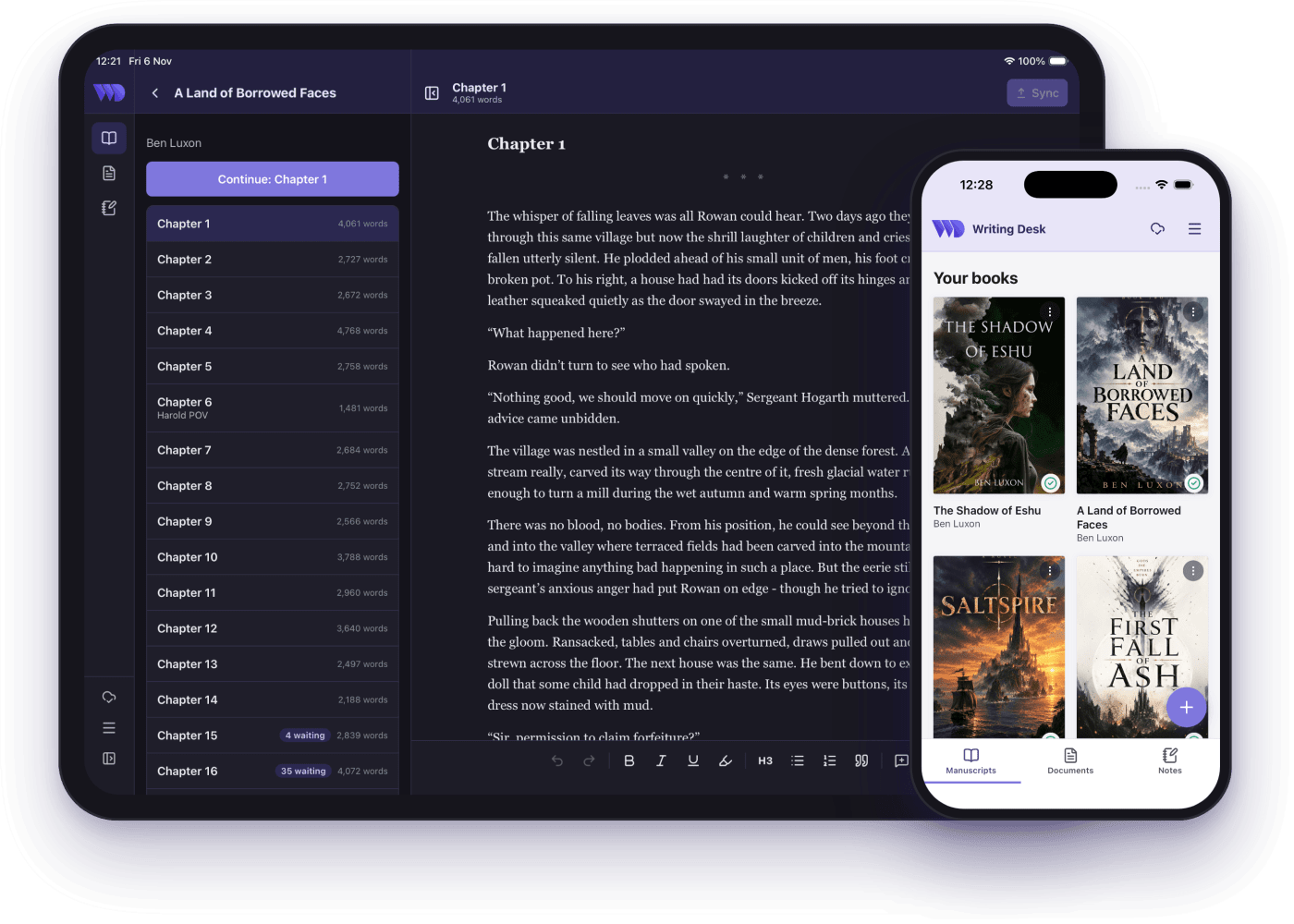
Your manuscript in your pocket.
Set up your project on your Mac and switch on sync. Your manuscript will then appear on your phone. Read it chapter by chapter and keep writing from where you left off.
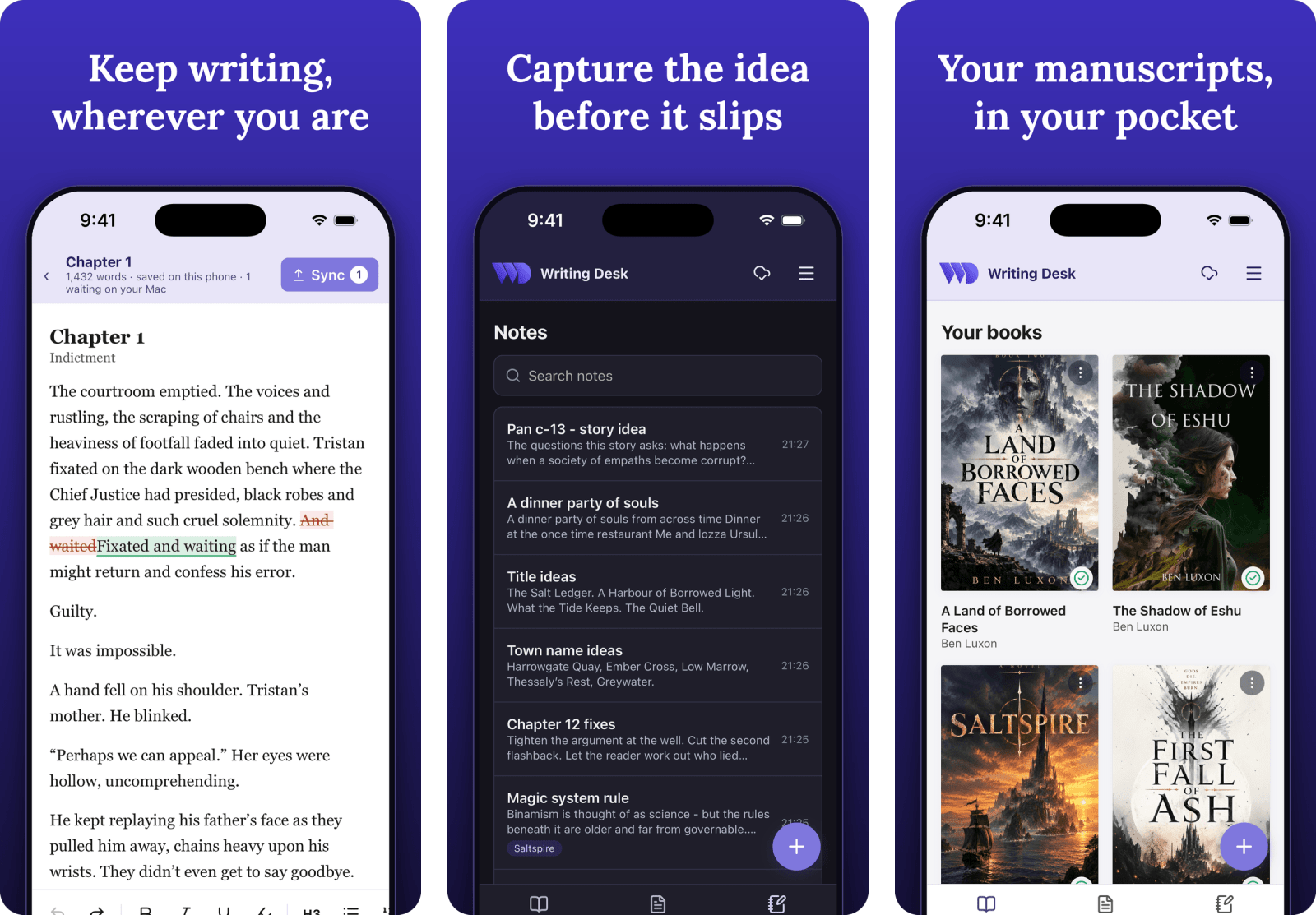
Edit anywhere, review at your desk
Changes you make on your phone arrive on your Mac as suggestions for you to review and accept or reject. This keeps a single source of truth and allows edits to easily be reverted.
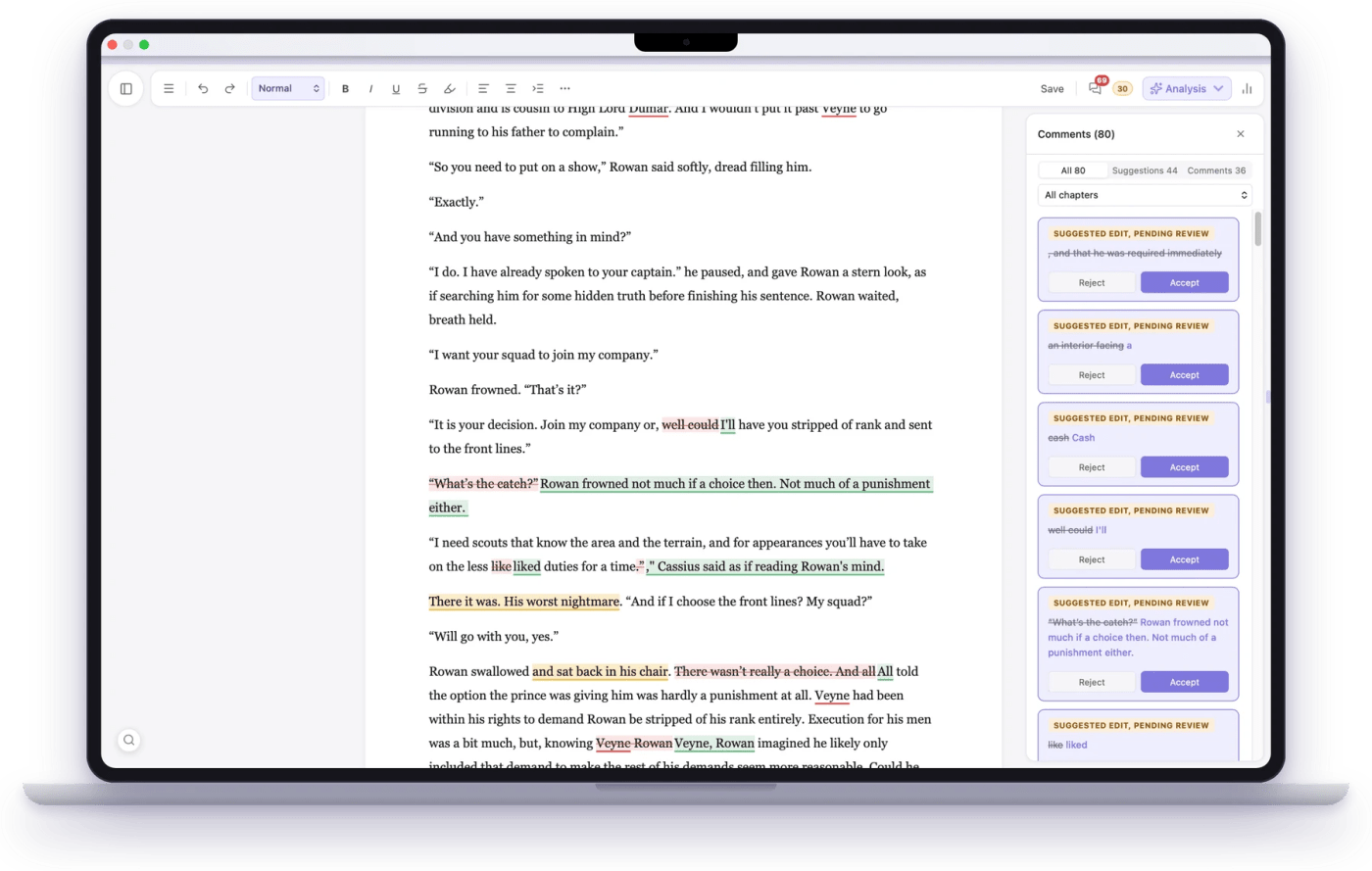
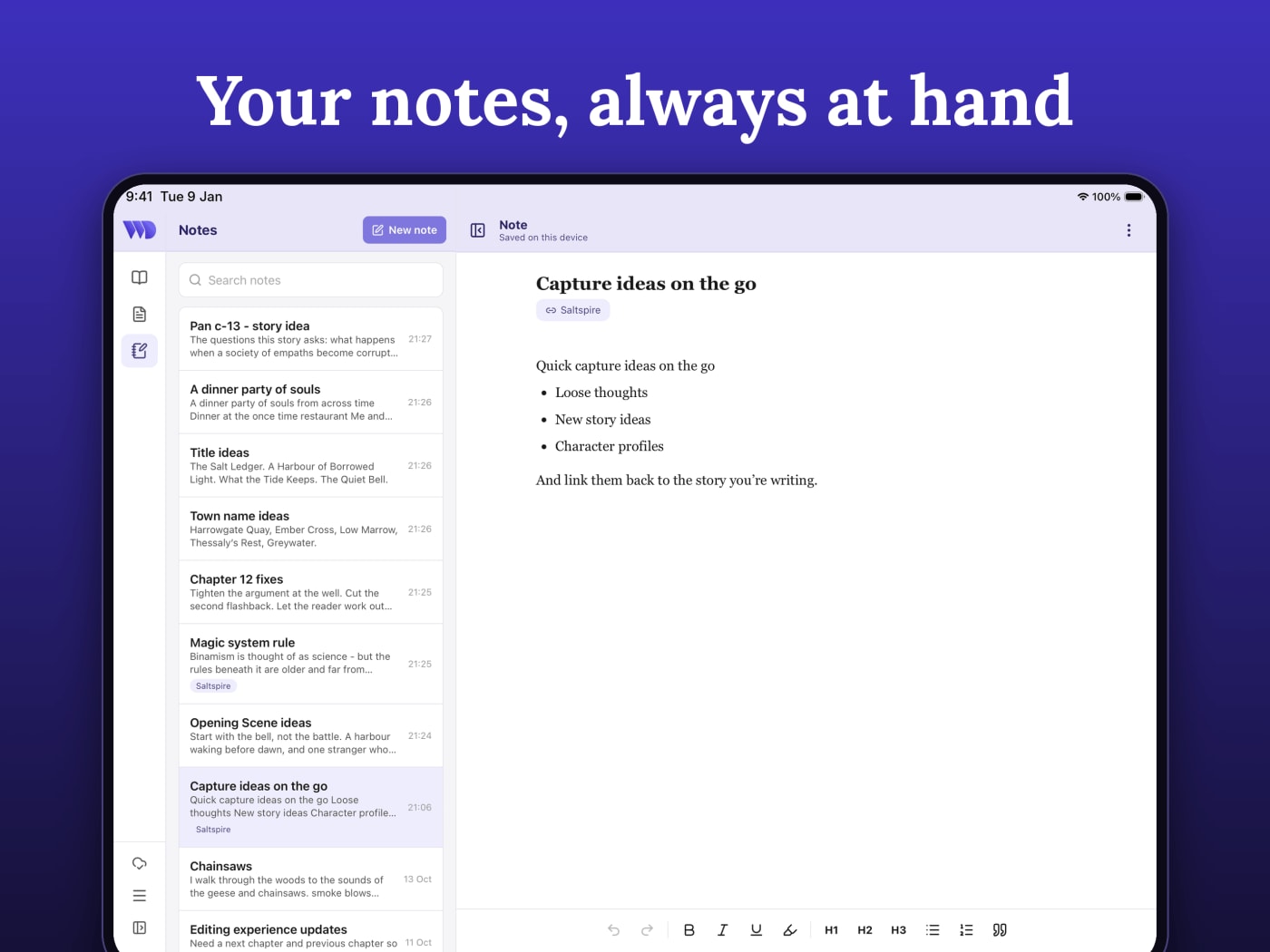
Capture loose thoughts before they escape
With notes you can capture loose ideas, develop your story, draft up character backgrounds, and they automatically sync back to your Mac.
- Link a note to a project so it appears with that project's notes.
- Turn a note into a full document with Save as document, then link it as a reference file to a project.
On the Mac, open Notes from the file name menu in the top bar, or from the Notes button on the home screen.
Take your documents with you.
Sync Markdown, Word and .wddoc files as well to send them to your phone. Nothing syncs until you choose it.
| File | On your phone |
|---|---|
| Markdown (.md) and Word (.docx) | Edits merge back to your Mac paragraph by paragraph, easy to Undo. |
| Project document (.wddoc) | Phone edits come back as suggestions you accept or reject, just like your books. |
Write on the train, in a queue, in a waiting room.
Read, write, comment and capture notes on your iPhone and iPad without a connection. When you come back online, your changes sync to your Mac.
Get started in four steps
- Update Writing Desk on your Mac. Open the app and it offers the update.
- Download Writing Desk from the App Store and sign in with your Writing Desk account.
- On your Mac, click the cloud icon beside the file name and switch sync on for a book or a document.
- Open the phone app. Your writing is there.
What syncs, and how much
Books and documents sync one at a time, when you switch sync on from the cloud icon beside the file name on your Mac. Notes sync automatically.
- Free plan and 30-day trial: 1 book and 30 documents.
- Paid plans: generous fair-use limits. See the details on the pricing page.
- Notes: unlimited on every plan.
Mobile app FAQs.
Can I write a novel on my iPhone?
Yes. Sync your book to the app and keep writing from where you left off, chapter by chapter. Your edits return to your Mac as suggestions you accept or reject, so drafting on your phone and reviewing at your desk work together.
Is the Writing Desk app free?
Yes. Download it from the App Store and sign in with your Writing Desk account. How much you can sync depends on your plan.
Do I need a Mac to use the phone app?
Notes work straight away with no Mac. Your books and documents come from the Mac app, so you need it to sync them to your phone.
Does the app work on iPad?
Yes. The same app runs on iPhone and iPad, with a sidebar and chapter list on the larger screen.
Does it work offline?
Yes. Read, write, comment and capture notes without a connection. Everything syncs when you reconnect.
Will my phone edits overwrite my manuscript?
No. Phone edits to a manuscript arrive on your Mac as suggestions, and nothing changes until you accept them. Markdown and Word files merge back by paragraph, with a card that lets you undo the merge.
Can I edit Word files on my phone?
Yes, for Word files you have synced. The first time you edit one you see a reminder that complex formatting may change, and you can choose to edit a copy instead. Writing Desk keeps a backup copy when you switch sync on for the file.
Can I create a new document on my phone?
Start with a note, then choose Save as document on your Mac.
How much can I sync?
The free plan and the 30-day trial sync 1 book and 30 documents. Paid plans have generous fair-use limits. Notes are unlimited, and anything already synced keeps working if you downgrade.
Is there an Android app?
An Android app is on its way, and we will announce it when it is ready.